
How to use the Novel Summer Camp dashboard
When you sign up for Novel Summer Camp, you will be able to access the NovCamp dashboard when you visit your dashboard.
How to visit the Novel Summer Camp dashboard
To visit the Novel Summer Camp dashboard, click on “NovCamp” in the dashboard side menu. We have highlighted this in red in the image below.
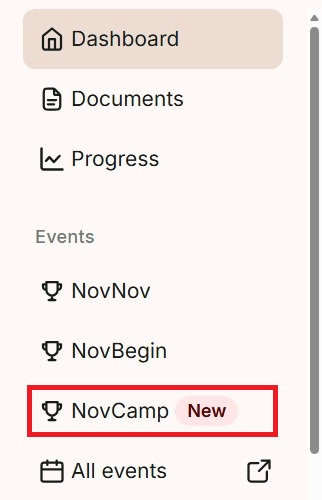
Alternatively, click on the “Open NovCamp” button in the “Introducing Novel Summer Camp” banner on your dashboard. We have highlighted this in red in the image below.

Add your book title
At the top of the Novel Summer Camp page is the book title and your current progress toward your 10,000 words. You can add or edit your title at any time by clicking on the pen icon button. We have highlighted this in red in the image below.
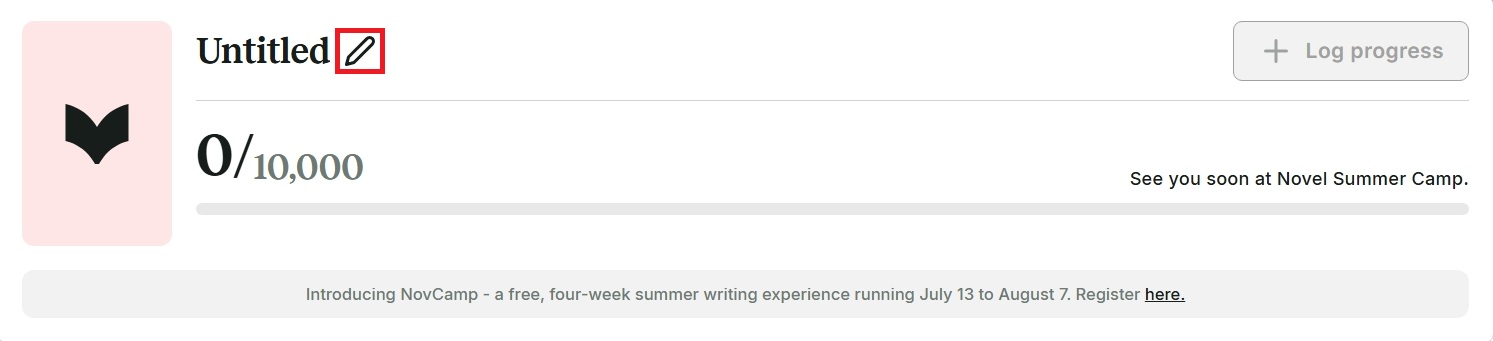
A window will appear. Type your book title, then click “Update.” You can also click on the “Log progress” button to log the number of words you have written so far.
See the badges you have earned
The “Camper’s badges” section shows the badges you’ve earned during Novel Summer Camp. We have shown this section in the image below.
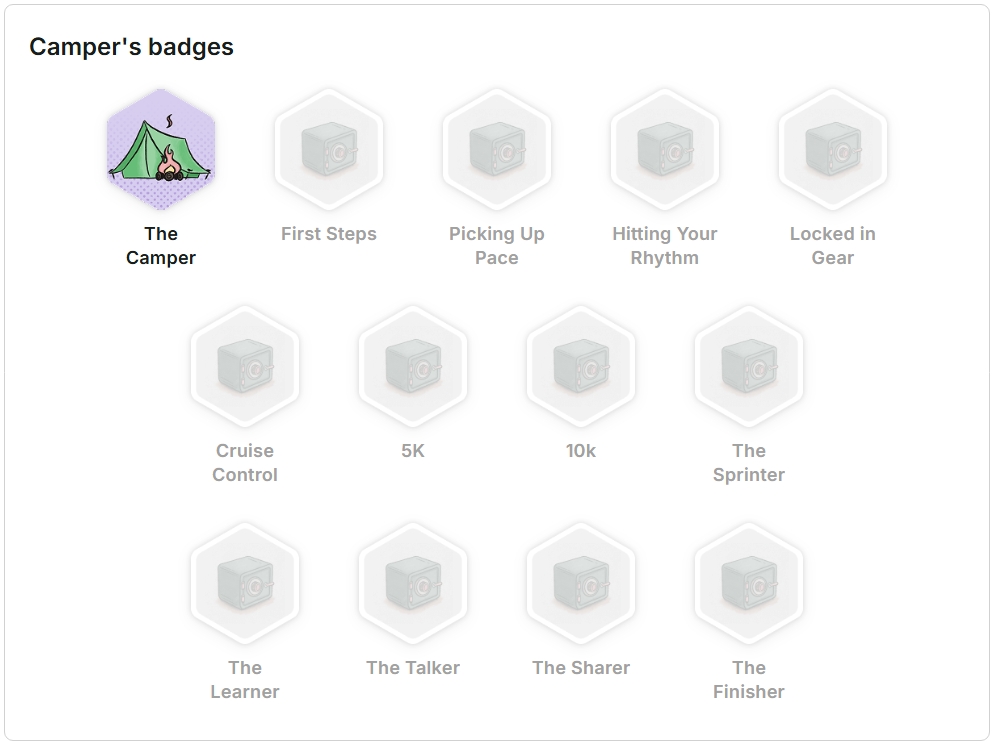
You’ll gain more and more badges as you hit specific milestones during the event. Click on a locked badge to discover how to earn it.
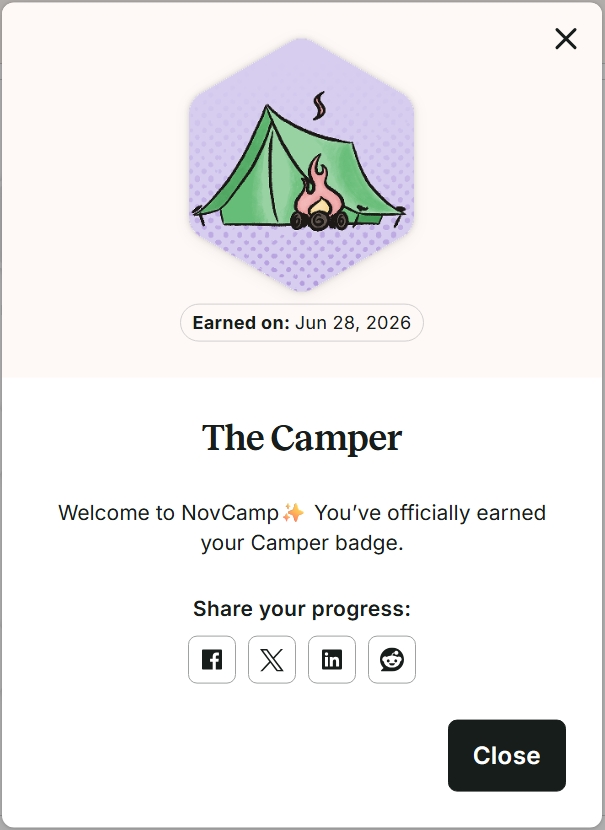
You can also click on colored badges you have earned, and a window will appear. This will tell you why you earned the badge and when you earned it. You can also share your achievements on social media by clicking on the Facebook, X, LinkedIn, or Reddit icon buttons. We have shown this in the image below.
View and RSVP upcoming events
We are hosting live writing sprints, S’mores Social Hours, and Campfire Story Circles. We are also hosting webinars by our Camp Counselors, which include published novelists, filmmakers, book coaches, editors, and educators.
In the “Upcoming events” section, you can scroll through all upcoming live events we are hosting. To find out more about an event, click on the “View and RSVP” button. This will take you to the dedicated page for that event in our community. To reserve your space for that event, click on the “RSVP” button on the dedicated page.
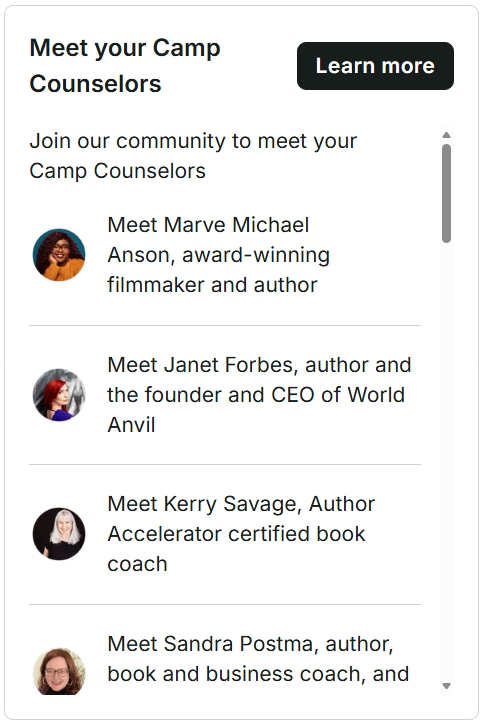
Meet your Camp Counselors
The “Meet your Camp Counselors” section lists all the counselors who are offering support during Novel Summer Camp. Scroll down to see each counselor. We have shown this in the image below.
Log your word counts in Camper’s progress
In this section, you can see how many words you have written on each date at a glance. You can also click on the icons in the top right-hand side of the section to see your progress represented as a table, graph, or bar chart. To update your current word count, click on the “Log progress” button.
A new window will appear that asks how many words you have written for this session. You can click on the date if you need to select a previous date. Then enter the amount of words in the “Number of words” field and select the “Submit” button.
ProWritingAid is made by writers, for writers. Don’t just take our word for it—check out these real reviews by other writers.