
How do I view my previous feedback reports?
We automatically save all the feedback reports you generate for Chapter Critique, Manuscript Analysis, Marketability Analysis, Plot Analysis, Virtual Beta Reader.
To view your previous reports, you need to go to your “Feedback History.” This section can be especially helpful even if it seems your report may have failed to generate at the time of running your report. If you check your Feedback History first, you may find the report is still there in full.
To go to your Feedback History if you are using our Web Editor, click on “Critique” in the top navigation toolbar. We have highlighted this in red in the image below.

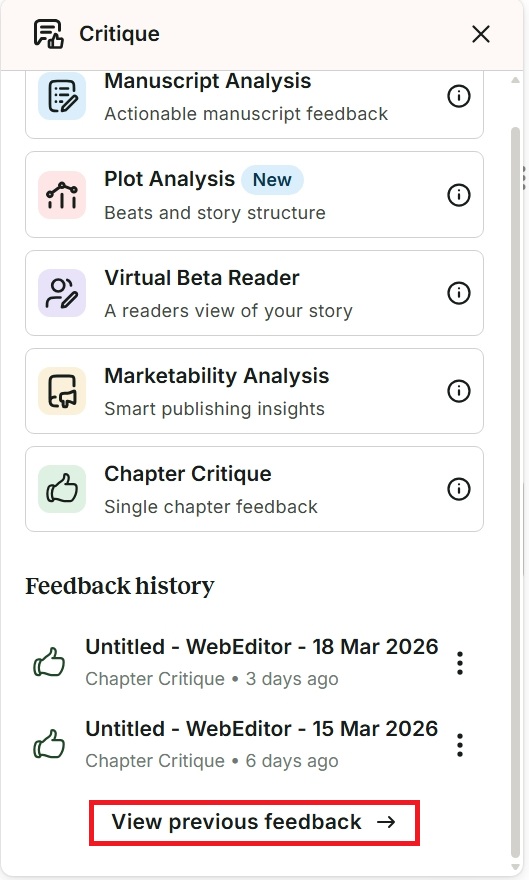
A sidebar menu will appear in the righthand side window. Scroll down to “Feedback History” and click on “View previous feedback.” We have highlighted this in red in the image below.
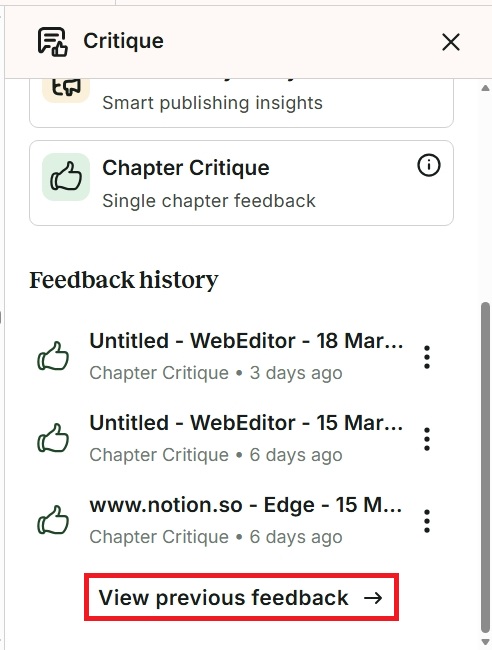
To go to your Feedback History if you are using ProWritingAid Desktop Everywhere, click on the floating ProWritingAid icon. A drop-down menu will appear. Click on “Critique” in the menu. We have highlighted this in red in the image below.

The Critique menu will appear. Scroll down to “Feedback History” and click on “View previous feedback.” We have highlighted this in red in the image below.
How to use the Feedback History menu
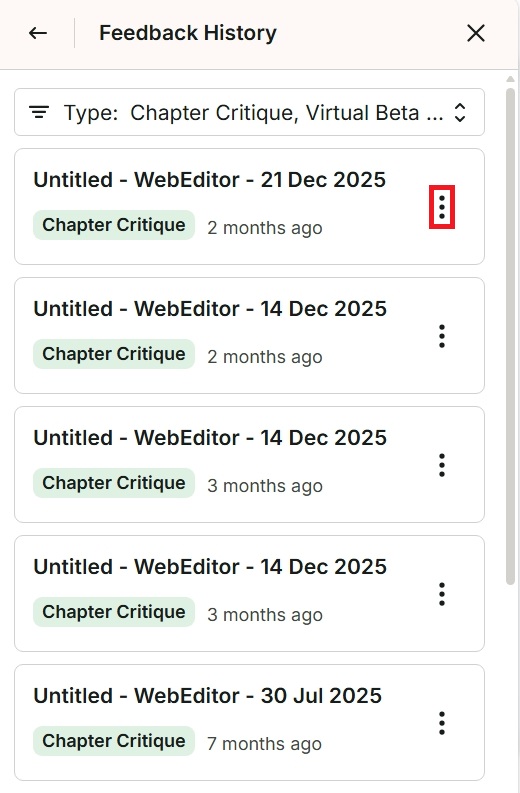
After following the previous steps above in either the Web Editor or Desktop Everywhere, the Feedback History menu will appear. You will see the reports we have generated for you in chronological order. You can click on each report to open it and read the feedback again. You can also click on the three vertical dots if you want to rename or delete the report. We have highlighted this in red in the image below.
ProWritingAid is more than just an editing assistant; we’re here to help you bring your story to life. Unlock your story’s full potential with our in-depth writing reports, actionable feedback, and more.